kl4444 App — Play Casino
From Any Android Phone
The kl4444 app gives you full access to slots, live casino, Crash games and cricket betting — all from your Android device. Free to download, no Play Store needed. Version 3.0.15 is out now with improved loading speed and bKash deposit shortcuts.
- Safe APK
- Android 8.0+
- 41 MB
- bKash & Nagad
- 18+ · Play Responsibly
Scan to download on your phone
Point your camera at the QR code — the APK download starts immediately. No Play Store account required.
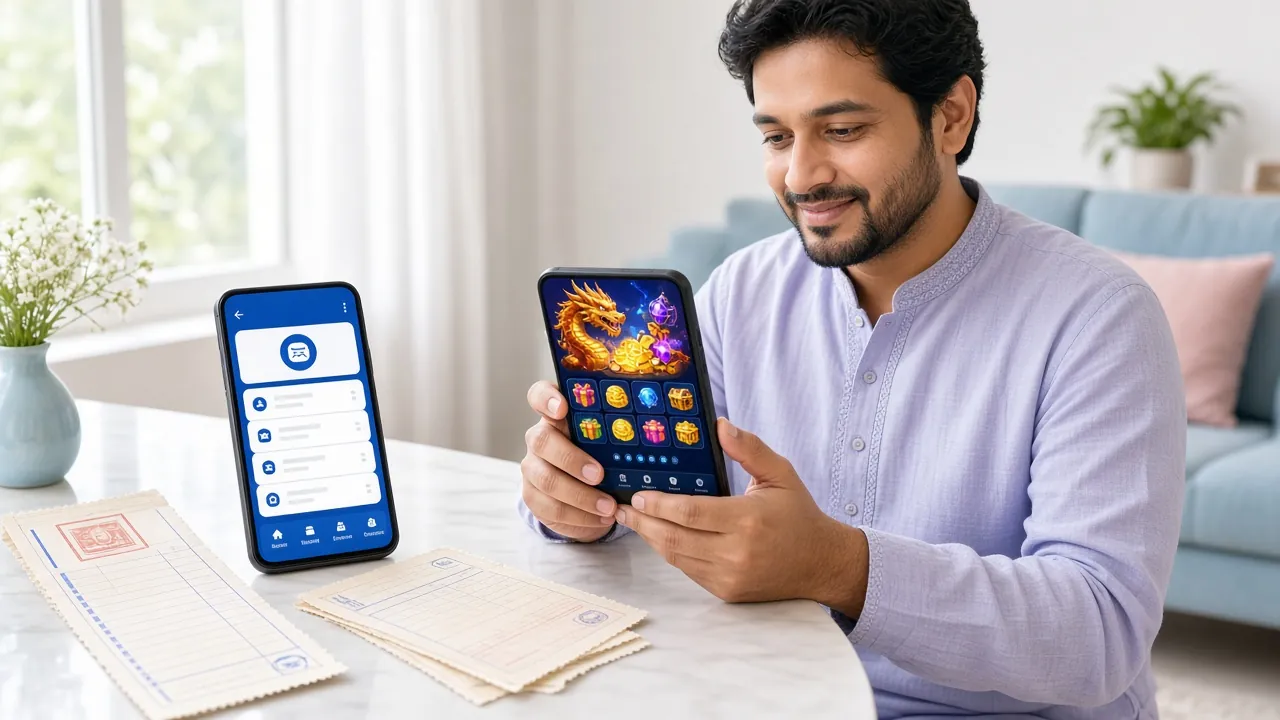
What You Get in the kl4444 App
Slots & Fishing Games
Access over 4,300 games from providers like JDB, KA Gaming and Pragmatic Play. Dragon Tiger, Butterfly Blossom, Golden Land and more load in seconds on 4G. Minimum bet starts at ৳1 — good for casual sessions between matches.
Live Casino Streaming
Watch and bet on real dealers in HD inside the app. Sexy Gaming tables stream without buffering even on average mobile connections. Tables run around the clock — handy for late-night play after the IPL or BPL evening session finishes.
Crash & Instant Games
Spribe's Aviator and other Crash games feel built for touch screens. The in-app cash-out button is large and responsive — no lag at the critical moment. Set an auto cash-out multiplier so you never miss your target when the graph climbs fast.
Cricket & Football Betting
Place pre-match and live bets on Bangladesh Tigers, BPL, IPL, T20 World Cup and Premier League — all from the same app. Push notifications alert you when odds move on a match you have bookmarked, so you catch value before kickoff.
bKash & Nagad Deposits
The app has a built-in bKash shortcut that opens your mobile banking without switching apps. Deposit as little as ৳200 and funds appear in your account within 2 minutes. Withdrawals of ৳400 or more process in around 43 minutes to Nagad or Rocket.
24/7 Live Chat Support
Tap the chat icon from anywhere inside the kl4444 app to reach a support agent. Response times are under 3 minutes during peak Bangladesh hours. Use Live Chat to query a pending withdrawal, ask about the daily cashback or report a login issue on the spot.


New to kl4444?
Download the app first, then create your account. The registration form works inside the app — takes under 3 minutes. After that, make your first deposit through bKash to unlock the welcome bonus.
Install the kl4444 APK on Android
The whole process takes about 3 minutes on a standard mobile connection. Follow these steps in order.
-
1
Allow Unknown Sources
Go to Settings → Security (or Privacy on newer phones) and turn on Install unknown apps for your browser. On Samsung devices it may appear under Biometrics and Security → Install Unknown Apps. This tells Android it is safe to install APK files you downloaded directly — it does not lower your device security in any other way.
-
2
Download kl4444.apk
Tap the Download APK button on this page. Your browser will start downloading kl4444.apk (41 MB). Keep the screen on until the progress bar finishes — do not close the browser tab mid-download. The file saves to your Downloads folder automatically. If Chrome asks "Keep or Discard?", tap Keep.
-
3
Open the Downloaded File
Once download is complete, a notification appears at the top of your screen. Tap it, then tap Open. Alternatively, open your Files app, go to Downloads, and tap kl4444.apk. Android will show an install prompt. If you see a warning about the developer, tap Install Anyway — this APK is signed and verified.
-
4
Wait for Installation to Finish
The install bar takes around 20–30 seconds on most phones. You will see the App Installed confirmation screen. Tap Open to launch immediately, or find the kl4444 icon on your home screen later. The app does not replace your browser access — both work independently.
-
5
Log In or Register
The app opens on the kl4444 login screen. If you already have an account, enter your phone number and password to log in to kl4444. If not, tap Register and fill in the short form — takes under 3 minutes. After logging in, go to Deposit and select bKash or Nagad to fund your account and start playing.
iOS: Add to Home Screen
The kl4444 app does not have an iOS App Store listing. iPhone and iPad users can save the website as a home screen shortcut — it behaves like a native app.
-
1
Open Safari
Visit kl4444.ws in Safari (not Chrome). The "Add to Home Screen" option only appears in Safari on iOS.
-
2
Tap the Share Icon
Tap the box-with-arrow icon at the bottom of the screen to open the share sheet.
-
3
Add to Home Screen
Scroll down and tap Add to Home Screen. Give it a name, then tap Add. The kl4444 icon appears on your home screen.
-
4
Log In Normally
Tap the icon to open in full-screen mode. Log in with your existing account — all features including bKash deposits work in this mode.
Version Info & System Requirements
All details below come from the current kl4444 app release. Check this table before you download to confirm your device is compatible.
| App Version | 3.0.15 |
|---|---|
| File Name | kl4444.apk |
| File Size | 41 MB |
| Minimum Android | Android 8.0 (Oreo) |
| Last Updated | 3 November 2026 |
| Price | Free |
| Languages | English / Bangla |
| Platform | Android (APK direct download) |
| iOS Support | Add to Home Screen via Safari |
Download kl4444 App Now
File: kl4444.apk · Size: 41 MB · Version: 3.0.15
Download APK — FreeWorks on all Android phones running version 8.0 or above. Requires allowing APK install from your browser once — see steps above.
Updating from an older version?
Download the new APK and install it over your existing app. You do not need to uninstall first — your account, balance and game history stay intact.
- Games Available
- 4,300+
- Min. Deposit
- ৳200
- Withdrawal
- 43 min
kl4444 App vs Playing in a Browser
Both options work. Here is an honest comparison so you can choose what suits your phone and routine.
| Feature | kl4444 App (Recommended) | Mobile Browser |
|---|---|---|
| Loading speed on 4G | Faster — cached assets | Reloads on each visit |
| Push notifications for odds & promos | Yes — real-time alerts | Not available |
| bKash shortcut (one-tap deposit) | Built-in launcher | Manual switch to bKash app |
| Auto-login (saved session) | Stays logged in | Depends on browser settings |
| Offline game history & balance view | Cached locally | Needs connection |
| Full game library access | All 4,300+ games | All 4,300+ games |
| Deposit & withdrawal | All methods | All methods |
| Live chat support | In-app widget | Via website widget |
| File size / storage needed | 41 MB on device | No install storage used |
| Works on iPhone / iPad | Add to Home Screen only | Full browser support |
App column highlighted because the native install provides a noticeably better experience on Android, especially for live games and time-sensitive bets.
Permissions & Security in the kl4444 App
The app requests only the permissions it needs. Here is exactly what each one is for.
SSL Encryption on Every Connection
All data between the kl4444 app and our servers travels over TLS 1.3. That covers your login credentials, deposit amounts and game session data. The app refuses to run if the certificate is invalid — you are protected from man-in-the-middle attacks even on public WiFi in Dhaka or Chittagong.
No Camera or Microphone Access
The kl4444 app does not request access to your camera, microphone or location. It needs internet access to connect and storage read permission only during installation. If Android asks for extra permissions you did not expect, do not proceed — contact support immediately via Live Chat.
Signed APK — What That Means
Every kl4444 APK file is digitally signed with our developer certificate before publication. Android verifies this signature when you install. If the file was tampered with after we published it, Android blocks the install and shows a signature mismatch error. Only download from kl4444.ws to get the authentic signed file.
Account & Password Security
Use a password you do not use elsewhere. The kl4444 app supports a 4-digit PIN for quick re-login — set it in Settings → Security after your first login. If you lose your phone, change your password immediately at kl4444.ws from another device. Contact support to freeze the account if needed.
Common Installation Problems — Solved
If your phone shows an error during install, check the table below before contacting support. Most problems are fixed in under 2 minutes.
| Error / Problem | Likely Cause | Fix |
|---|---|---|
| "Install Blocked" message | Unknown sources permission not enabled for your browser or file manager | Go to Settings → Security → Install Unknown Apps, find your browser (e.g. Chrome), and toggle it on. Then tap the APK file again from Downloads. |
| "Parse Error" on install | Downloaded file is incomplete or corrupted — often caused by cutting mobile data mid-download | Delete the partial kl4444.apk file from Downloads. Reconnect to WiFi or a stable 4G network. Download the APK again from this page from scratch and wait for 100%. |
| App crashes immediately after opening | Android version below 8.0, or low available RAM (under 1 GB free) | Check Settings → About Phone → Android Version. If below 8.0, the app is not compatible. Close all background apps to free RAM, then reopen kl4444. A restart also clears RAM quickly. |
| "App not installed" with no error code | An older version of kl4444 is installed with a different certificate signature — this rarely happens if you installed from a third-party site previously | Uninstall the old version first: Settings → Apps → kl4444 → Uninstall. Then re-install the fresh APK downloaded from kl4444.ws. Your account data is stored server-side and will not be lost. |
| Download stalls at a certain percentage | Weak mobile signal, or ISP throttling large files on mobile data | Switch to WiFi if available. If you must use mobile data, enable Download Manager: Chrome menu → Settings → Downloads and ensure background downloads are allowed. Try downloading during off-peak hours (after midnight in BD). |
Still stuck? Open Live Chat inside the browser version at kl4444.ws — our support team responds within 3 minutes around the clock.
Download kl4444 APK for Android
4,300+ Games Offline-Ready
Slots, live casino, crash games, and cricket betting — all available without going to the Play Store.
Fast Setup — 41 MB
Download in under 30 seconds on 4G. Works on Android 8.0 and up. No account needed to install.
One-Tap bKash & Nagad Deposits
Deposit straight from the app. Money lands in 2 minutes — play immediately.
Smooth on Slow Networks
Optimized for 3G and 4G. Live dealer streams buffer-free even during peak hours.
Version 3.0.15 · 41 MB · Updated 3 Nov 2026
Questions About the kl4444 App
Is the kl4444 APK safe to install?
Yes. The kl4444 APK is built and signed by the official development team. Android's package installer verifies the signature on every install — if the file has been altered, it refuses to proceed. Only download from kl4444.ws/download/kl4444.apk. Do not use APK mirror sites orTelegram groups offering "mod" versions. The app does not contain adware, spyware or any background tracking beyond your in-app session activity.
Why does Android warn me about installing from unknown sources?
Google Play Store is not the only way to install Android apps. When you install an APK directly — which is called "sideloading" — Android shows a warning as a precaution. This is normal for all direct-download apps, not specific to kl4444. After you allow it once for your browser, you will not see the warning again for future kl4444 updates. You can turn the permission back off after installing if you prefer.
How do I update the kl4444 app to the latest version?
Download the new APK from this page and install it over your existing version. Android replaces the old app while keeping your login session and preferences. You do not need to uninstall first. The current version is 3.0.15, released on 3 November 2026. You can check your installed version inside the app under Settings → About → Version. The app itself will also show a banner when a newer version is available.
Can I use the same account on both the app and a browser?
Yes — your kl4444 account is tied to your phone number, not the device. You can log in on the app, then switch to a browser on a different device, and your balance, bonuses and game history are all in sync. Avoid being logged in on two devices simultaneously while a live game is running, as that can cause session conflicts. If that happens, log out of one device and refresh the other.
Does the kl4444 app work on a low-end or older Android phone?
The minimum requirement is Android 8.0 with at least 1 GB of free RAM. Most phones sold in Bangladesh since 2018 meet this. If your phone runs Android 8.0 or above but still lags, close all background apps before opening kl4444. Slot games and Crash games are lighter on resources than HD live casino streams. Try slots first to confirm performance before joining a live table session.
What happens to my bonus if I register through the app?
Registering and depositing through the kl4444 app gives you the same first deposit bonus as the website — up to ৳9,000 at 185% on your first deposit. The bonus applies to any deposit of ৳200 or more made within 7 days of registration. The wagering requirement is 8×. For full bonus terms and the VIP cashback structure, see the Bonus & VIP guide.
Can I make bKash deposits and withdrawals inside the app?
Yes. The kl4444 app has a built-in bKash deposit shortcut. Tap Deposit → bKash, enter the amount (minimum ৳200), and the app routes you to your bKash PIN screen. Funds arrive in your kl4444 wallet within 2 minutes. For withdrawals, the minimum is ৳400 and the daily limit is ৳145,000. Processing time is around 43 minutes to bKash, Nagad or Rocket. Read the full withdrawal guide for KYC requirements before your first payout.
Related Pages
Need Help?
24/7 Live Chat is available inside the app and on the website. Email: [email protected]
18+ · Play Responsibly
The kl4444 app is for adults aged 18 and above only. Gambling should be entertainment, not a way to earn income. Set deposit limits inside the app under Settings → Responsible Gaming. If you feel gambling is affecting your daily life, visit our Responsible Gaming page for self-exclusion options and support contacts.